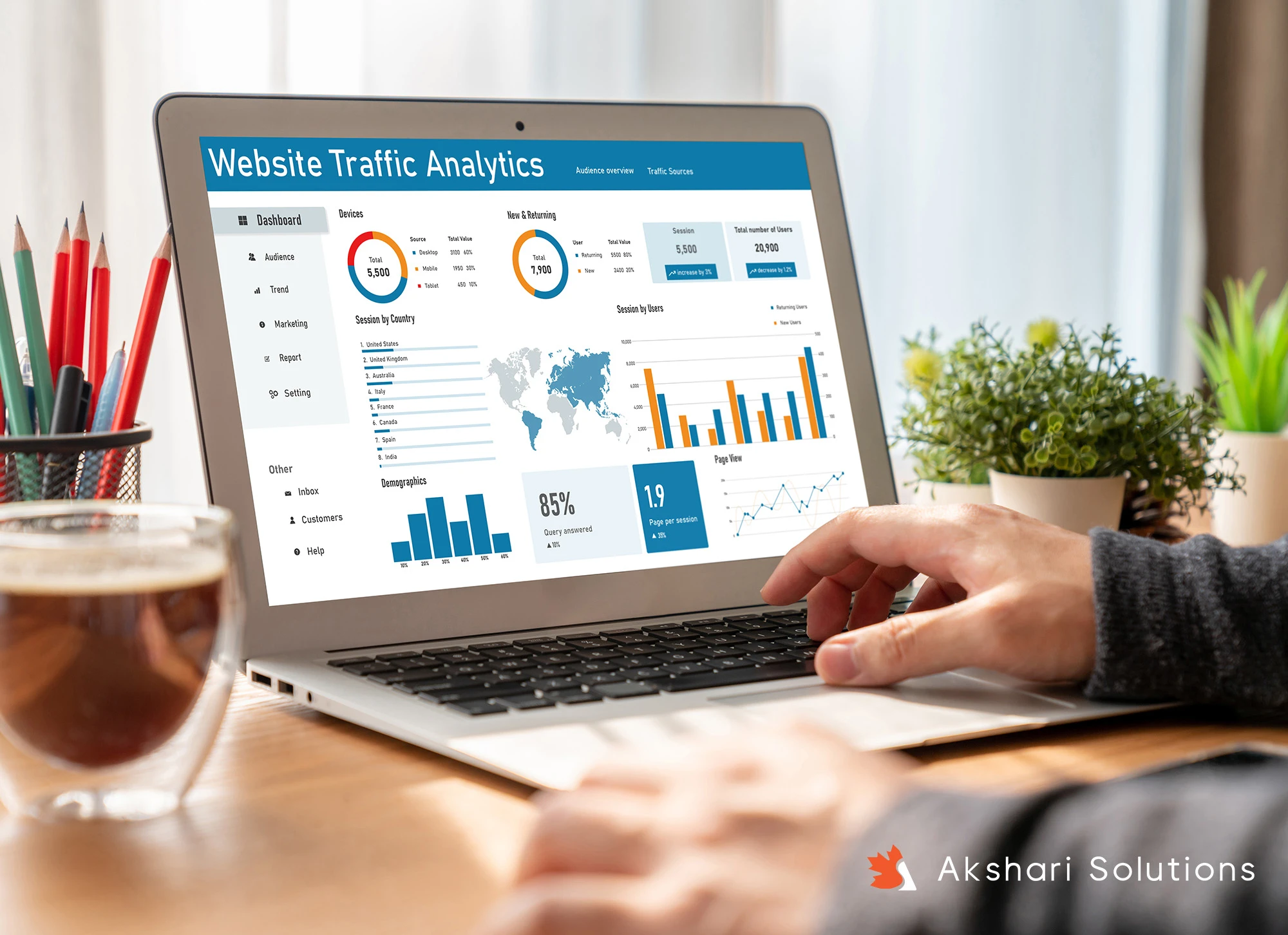
Using Heatmaps to Improve Website UX and Increase Engagement
If you’ve ever reviewed website analytics, you’ve probably seen numbers like page views, bounce rates, and session duration. They’re useful — but they rarely tell the full story.
For example, analytics might show that people are leaving a page quickly. But it won’t explain what they were actually doing before they left.
Did they miss your call-to-action?
Did they stop scrolling halfway through the page?
Were they clicking somewhere that wasn’t even clickable?
This is where heatmaps become incredibly valuable. Instead of just giving you numbers, heatmaps visually show how real people interact with your website. And for businesses trying to improve web design, branding, and digital marketing performance, those insights can be surprisingly powerful.
What Heatmaps Actually Show
A heatmap is essentially a visual layer placed over your webpage that highlights where users interact the most.
Areas with high engagement appear “hot” (red or orange), while areas with little activity appear “cool” (blue or green).
Most UX tools generate three main types of heatmaps:
Click heatmaps
Show exactly where visitors click on a page.Scroll heatmaps
Reveal how far people scroll before leaving.Cursor movement heatmaps
Track mouse movement, which often reflects where users focus their attention.
Tools like Hotjar, Crazy Egg, and Microsoft Clarity have made this type of behavioral data accessible to businesses of all sizes.
UX experts at Smashing Magazine regularly highlight how behavioral analytics tools help uncover usability problems traditional analytics often miss.
Why Heatmaps Are So Useful for UX
One of the biggest mistakes companies make in web design is relying on assumptions.
Design teams often think they know how visitors will use a page, but real behavior can be very different.
Heatmaps help close that gap.
They Reveal What People Actually Notice
Not everything on a webpage gets equal attention.
Heatmaps often show patterns like:
Visitors focusing on headlines but skipping long paragraphs
Images attracting attention more than text
Important sections being completely overlooked
Once you see these patterns, it becomes much easier to adjust layout and messaging.
Businesses working to improve website design and digital user experience frequently rely on this kind of insight.
They Highlight Missed Opportunities
One common heatmap discovery is that users aren’t seeing key conversion elements.
For example:
A call-to-action placed too far down the page
Important messaging hidden below the fold
Buttons that blend into the design
Sometimes a small layout change, moving a CTA higher, improving contrast, or simplifying navigation, can dramatically improve engagement.
These types of refinements are especially valuable when optimizing digital marketing landing pages.
They Show Where Users Get Confused
Another interesting insight heatmaps often reveal is unexpected clicking behavior.
Users might repeatedly click:
Images that aren’t interactive
Design elements that look like buttons
Navigation items that don’t lead where they expect
When this happens, it’s a strong signal that the interface could be clearer.
Fixing these small friction points can significantly improve usability and brand perception.
A Simple Real-World Example
Imagine a company launching a new service page.
Traffic looks healthy, but inquiries are lower than expected.
After reviewing heatmap data, the team notices something interesting:
Most users stop scrolling halfway through the page, while the main contact form sits near the bottom.
Once the form is moved higher and supported with clearer messaging, engagement improves almost immediately.
These kinds of insights are common when organizations combine UX analytics with thoughtful branding and design strategy.
Where UX Analytics Is Heading
Heatmaps are just one part of a growing ecosystem of UX insight tools.
We’re now seeing platforms combine heatmaps with:
Session recordings that show real user journeys
AI-powered UX analysis that identifies usability issues automatically
Integrated testing tools for continuous design improvements
Google’s own guidance on creating helpful, user-focused content emphasizes improving websites based on real user behavior rather than assumptions.
That philosophy aligns perfectly with data-driven UX design.
Final Thoughts
The most effective websites aren’t built once and left alone. They evolve.
Heatmaps give businesses a clear window into how people actually experience their websites, where attention goes, where friction appears, and where opportunities exist.
When those insights guide your web design, branding, and digital marketing strategy, improvements become far more intentional and effective.
If your organization is looking to strengthen its digital presence through smarter UX design and data-driven insights, the team at Akshari Solutions can help
Because the best websites don’t just attract visitors, they learn from them.